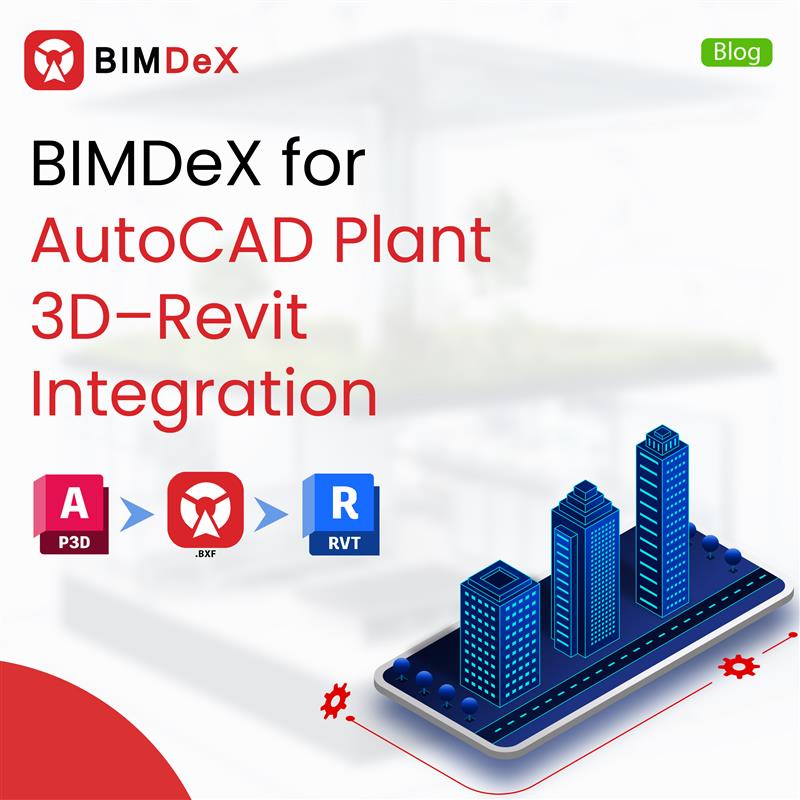
In recent years, the Architecture, Engineering, and Construction (AEC) industries, and the major disciplines of Mechanical, Electrical, and Plumbing (MEP), have been seeing predominant growth with digitalization playing the pilot role. AutoCAD Plant 3D and Revit are two of the essential software solutions that assist the above industries, and various professionals who are all using these applications for their projects. That said, bridging these two solutions provokes better project opportunities and opens extended ideas and project growth abilities.
In this blog, let’s discuss the integration of AutoCAD Plant 3D with Revit and the essence of BIMDeX and its catalyzation in stimulating the conversion by enhancing the integration and workflow of the model translation.
AutoCAD Plant 3D x Revit
Usually, Engineering and Construction professionals use diverse software applications for their projects, regardless of the size and niche. These software applications assist the users in designing the models with all the essential data. Earlier, these 3D designs were manual drawings, which were later replaced with software-developed 3D models and designs. Among the software solutions, AutoCAD Plant 3D is one efficient application which plant industries and its professionals use to draft 3D plant designs with ideal components.
Huge plant models with pipes, pipe accessories, equipment, and structural components can be developed using AutoCAD Plant 3D. The precision and reduced manual efforts have made the solution the most sought-after by the users.
On the other hand, Revit is a BIM software that showcases excellence in creating and managing 3D models from Architecture, Engineering, and Construction Projects. With Revit, users can perform extended actions beyond just designing. The solution assists in managing the design data information. The Building Information Modelling (BIM) software of Revit makes it possible for users to integrate extensive 3D models and stimulate better design management with all the design data information.
BIMDeX – Understand the Eminence
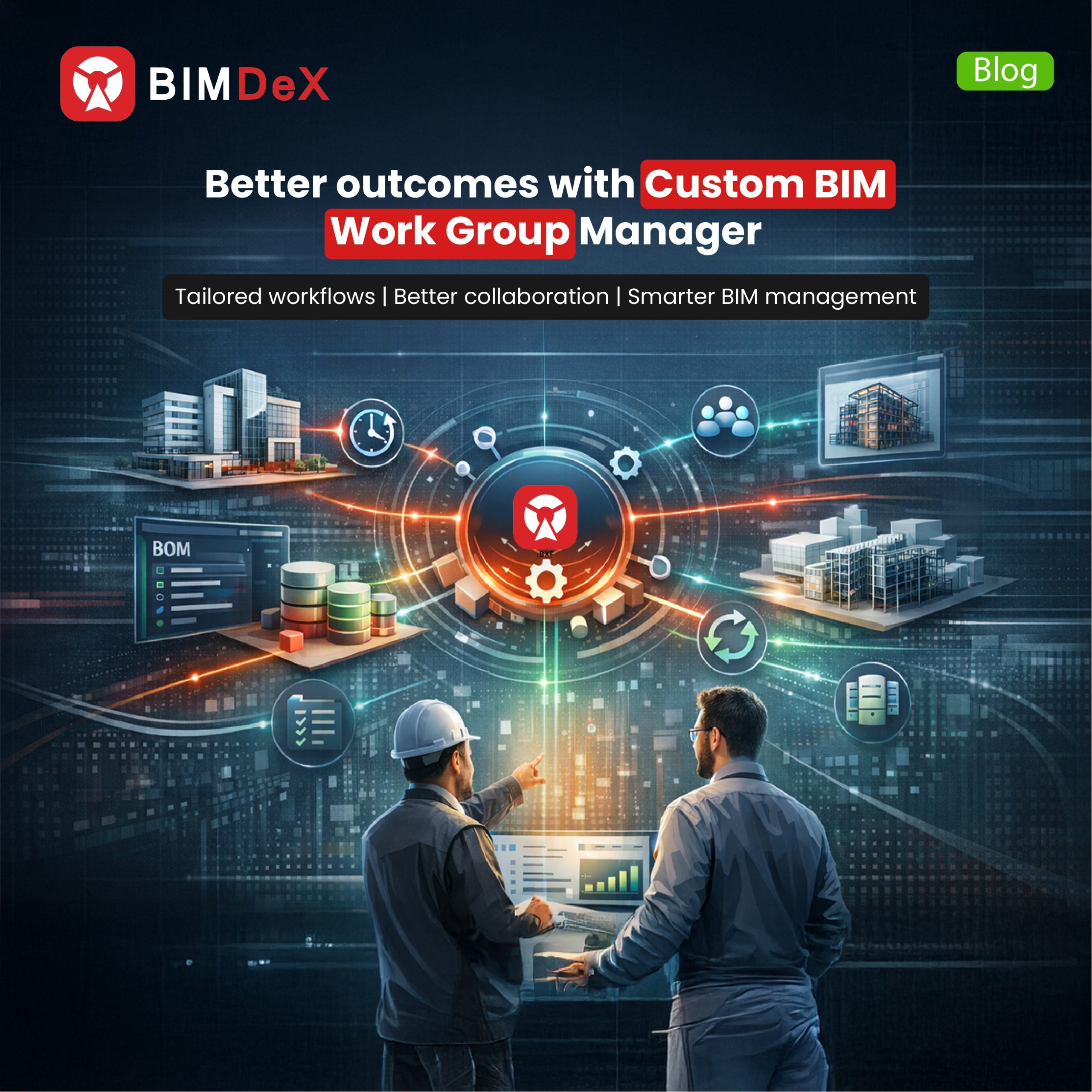
BIMDeX is an ideal model conversion solution that connects various CAD and BIM solutions to initiate effortless design data translation. BIMDeX came as a remedy for the model conversion need, as it regulates better data conversion factors, where it transfers the original metadata without any misconceptions.
There is no file format limitation with BIMDeX as it has the proprietary file format ‘BXF’ to pipeline effortless and smooth model conversion between design and BIM applications. The original data, including geometrical information and tags, can be translated using BIMDeX, where the user will not need to intervene at every instance, as the application regulates automation at various stages of model conversion.
How does BIMDeX enhance AutoCAD Plant 3D Integration with Revit?
Integrating AutoCAD Plant3D with Revit unlocks diverse possibilities for projects, enabling users to explore impeccable outcomes and collaborative factors. The Plant 3D models can be integrated into the BIM interface, with which project teams can easily collaborate with effective model information and therefore make informed decisions.
BIMDeX achieves model conversion with the Exporter and Importer plugin for Plant3D and Revit. Exporter and importer plugins can be installed and activated in AutoCAD Plant 3D and Revit, respectively, to initiate the conversion process. The plugins offer plenty of features with which users can experience customizable model conversion from Plant 3D to Revit.
Let’s discuss the customizable features and Key highlights that comes with BIMDeX AutoCAD Plant 3D to Revit exporter.
- Native Parametric export
BIMDeX integrates Plant 3D with Revit in a way that the pipes, pipe fittings, structures, and other components
from Plant 3D go as parametric to Revit. This enhances the edibility of the model components in Revit without affecting the model’s originality. Most importantly, pipe networks are maintained inside Revit as well.
- Meta Data Transfer
BIMDeX can translate the 3D geometry to Revit, same as in the Plant3D model with exact accuracy along with all the attributes that were associated with each Plant3D component.
- Automatic categorization
BIMDeX can effectively categorize the Plant 3D components during the export and map them to the corresponding categories in Revit. All this happens through automation and allows the users to manually edit the categories during the import process if required.
- Batch Processing
BIMDeX makes it possible for users to transfer huge Plant3D models to Revit effectively with the BIMDeX Batch process option. With this, users can also schedule the conversion of bulk Plant models without any manual intervention. This saves ample time and effort for the user community.
- Change Management
The enhancement of the BIMDeX exporter for Plant 3D and Revit integration will allow users to transfer only the deltas/changes from Plant 3D to Revit. This feature will make sure that you worry less about making changes to the model and transferring them repeatedly for any successive revisions.
Closing Thoughts
With the rising demand for better project methodologies and model transfer requirements, connecting the Plant 3D and Revit with a better source can open up impressive possibilities and project outcomes for professionals. That said, BIMDeX can be the right solution for this requirement as the solution enhances the Plant 3D integration with Revit by translating the intelligent model information to the BIM platform by maintaining the nativity. BIMDeX does not stop with this as the solution has vitally emphasized options for the AEC universe. Get in touch with BIMDeX and embrace extended knowledge about the ideal model conversion tool.


















































 Add Us On Google