A premium and pragmatic model conversion mechanism is a boon for the AEC, designing, manufacturing, and various other industries. Perfect model conversion and data exchange method or practices can transform how these industries deal with data exchange and obtain the associated information.
That said, BIMDeX is one ideal interoperable solution that effortlessly transforms the design data information from one software to another. Through the proprietary file format BXF, the application provides a customizable, user-friendly model of exchange between various CAD and BIM solutions. Let us understand how BIMDeX’s interoperable solution gets into the CAD and BIM software and how it transforms the perception of existing model conversion.
BIMDeX in various CAD and BIM software
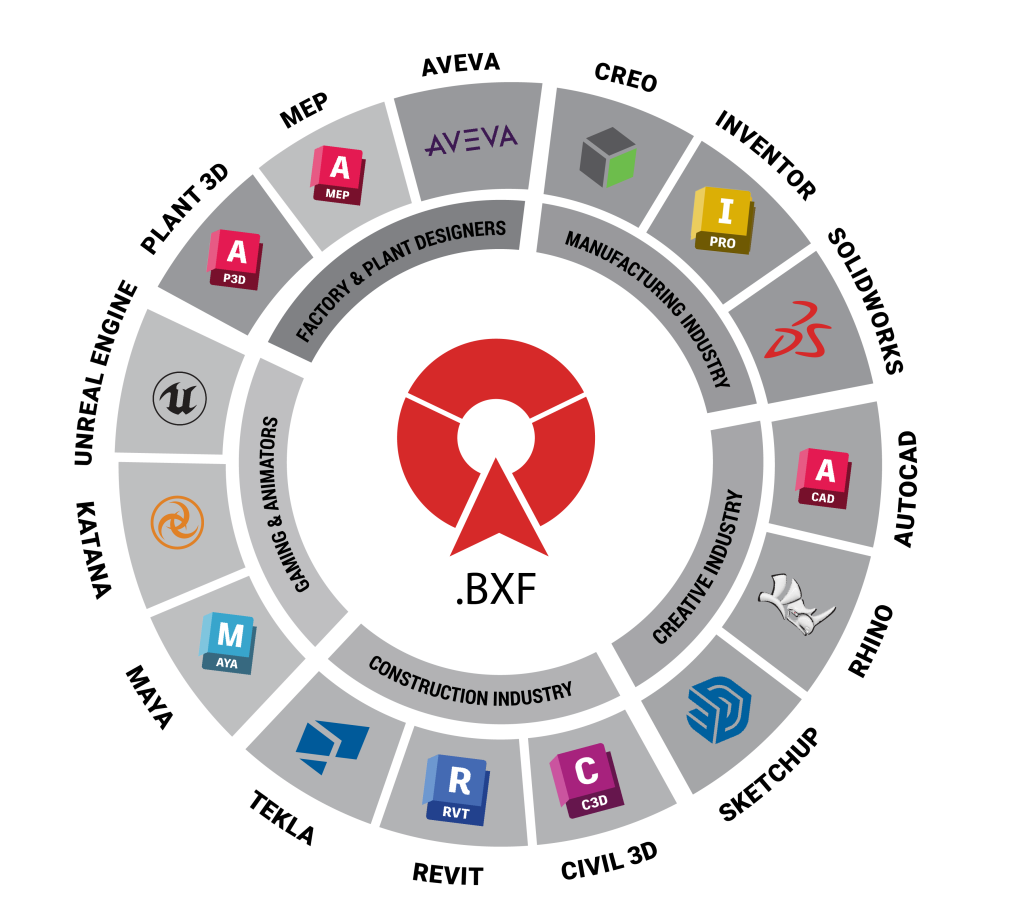
We say BIMDeX assists in data exchange between different CAD and BIM software, but how? BIMDeX provides multiple interoperable solution to various CAD and BIM software widely used in Manufacturing, BIM, Plant, and other Design Industries. As a credible conversion tool, BIMDeX can be installed in the applications as plugins to initiate the transfer and receive the intricate models and associated information.
These plugins have ‘Exporter’ and ‘Importer’ plugins that are installed in the applications and work with simple clicks by giving a user-friendly interface. The Exporter and Importer plugins are bridges that connect the source model with the other software and make it easy for the professionals to transfer, validate, and set a better stage for a cohes ive data exchange workflow and future accomplishments.
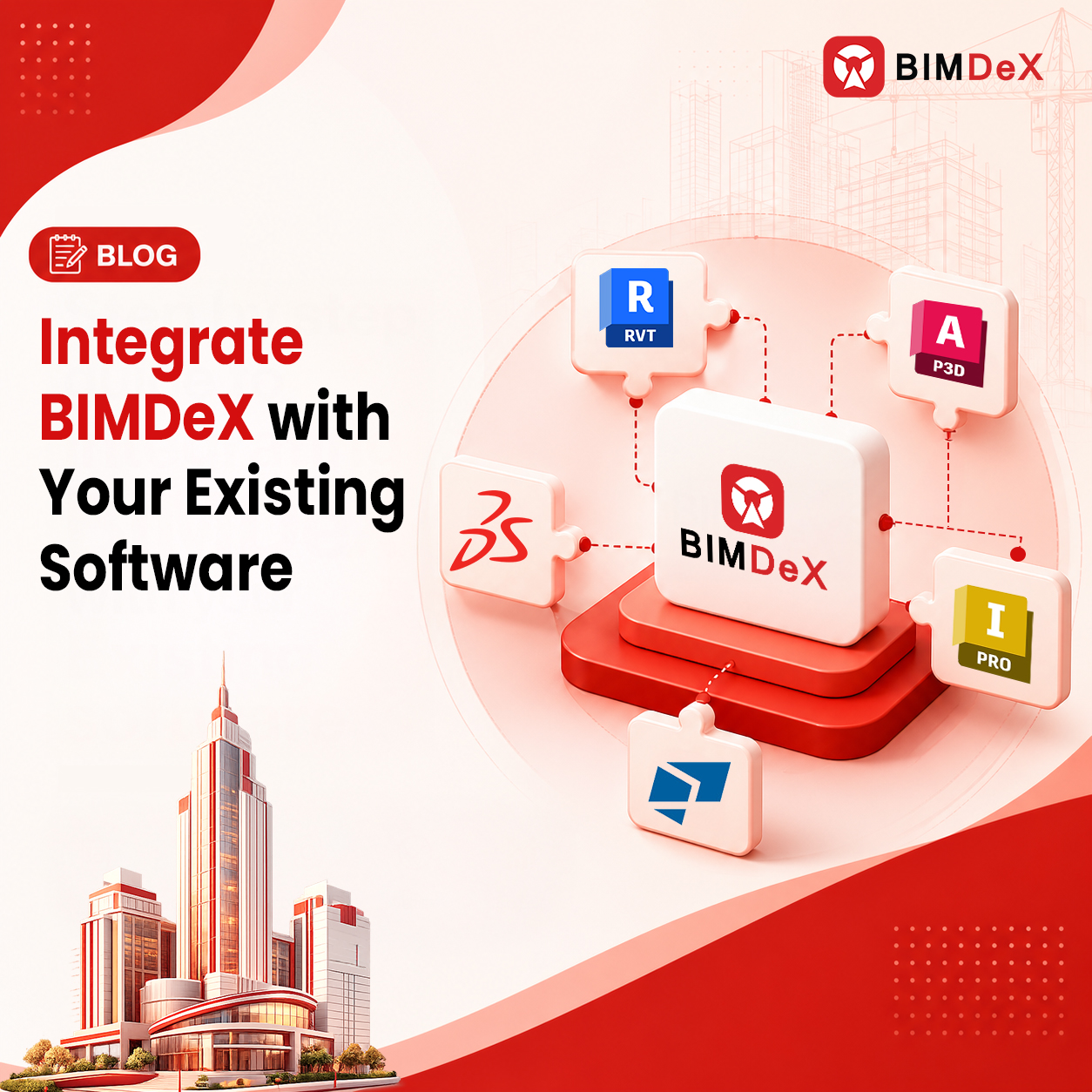
BIMDeX, being a predominant model conversion solution, supports distinctive software applications to connect with diverse tools to exchange models. Some major software that BIMDeX supports are SolidWorks, AutoCAD Plant 3D, Revit, Creo, Tekla, Rhino, AutoCAD Civil 3D, and even more.
BIMDeX plugins installation in existing software
The exporter and importer plugins can be installed into the existing software through an .exe file. The installation process involves a simple process, and the step-by-step information will be available in the user guide provided by the BIMDeX team during installer acquirement.
The exporter and importer plugins will be successfully installed after the steps, and users can find the plugins in their existing software ribbon panel. Before installation, the user has to check the software version and windows version compatibility with BIMDeX plugins.
For example, considering AutoCAD Plant3D to Revit, ‘BIMDeX Exporter for Plant3D supports the software version from 2023 to 2026 aligns with the Autodesk supported versions. BIMDeX plugin will also be upgraded once the new version of Autodesk Plant3D is released.
Exporter and Importer Plugins Workflow
Let us take Plant3D to Revit conversion as an example to understand the Exporter and Importer plugins workflow. Here, the users will be provided access to both the Plant3D Exporter and Revit importer. Upon installing the Exporter and Importer, users can see the BIMDeX plugin inside Plant3D and Revit software under ‘BIMDeX’ tab. Users can initiate the Plant3D model export by clicking the ‘Export’ button. This will guide through extensive customizable options that include Exclusions, grouping, coordinate selection, and more.
From here users can easily customize the models and generate a file called ‘BXF’. And this extensive customization does not end here. Users can use the Revit importer and control the model conversion even more as per the requirements.
On the Revit side, the user should select the BXF file to import the model and customize it further. BIMDeX Revit importer gives users diverse options like import type to control the model hierarchy, parameter creation, exclusion, coordinates selection, and more.
How BIMDeX integration improves model conversion with its features
BIMDeX being an exemplary interoperable solution, streamlines better and smooth model translation between diverse CAD and BIM solutions. Since our example here is Plant3D to Revit conversion, BIMDeX Plant3D to Revit Exporter solution effortlessly converts the Plant3D models as native Revit projects and families with all the exclusive metadata and design data information. Beyond mere geometries this tool transfers the whole model with every specific piece of information, and as an added advantage, users embrace customization at every instance.
Native Parametric Export
BIMDeX lets the users export the Pipes, Pipe Fittings, Structures etc., from Plant 3D to Revit as a native Parametric editable geometries.
Metadata Conversion
One of the intriguing factors about BIMDeX exporter is, that the solution stimulates metadata conversion, unlike primitive methods. The solution transfers the extensive metadata from Plant3D to Revit. However, as a customization-friendly solution, BIMDeX allows the users to select the properties to be exported and ensures desired model conversion.
Coordinate-based transfer
Plant 3D models enter Revit in appropriate coordinates as the user selects their desired coordinate system through BIMDeX exporter. This coordinate selection can avoid model rotation or misalignment once transferred to Revit.
Component Categories
BIMDeX will automatically categorize the components (Pipe, Pipe Inlet, Structures, etc.,) during export and the same will be mapped to the corresponding categories in Revit.
ACC Integration
ACC integration enhances the users to store and extract the models in the cloud spaces. This ensures that the users are accessing the latest model and undergo changes without any interventions.
Change Management
Change management can identify and export only the changes/deltas made in the Plant3D models during any consecutive model revisions and update the existing Revit file. This reduces the need to export the whole model over and over again for any model revisions.
Batch Process
Bulk model conversion can be automated through Batch process feature. The user can also schedule the Batch process for overnight jobs.
BIMDeX role in elevating team workflow
An Engineering, Construction and Architecture projects function better if the connection between the software used is streamlined and seamless; that said, creating a smooth bridge between the software applications in terms of model exchange and design data transfer yields enhanced outcomes and better collaboration between project teams.
If the project teams obtain legit information instead of misleading and misinterpreted information, they can take more informed decisions and create a better project model. The above-mentioned factors make BIMDeX the best solution for this case as it lets the users transfer Intelligent design data information and deal with the data in the project’s lifecycle without any misconceptions.
Closing Thoughts
Having a reliable solution for model conversion opens for extensive workflow that supports collective collaboration and ideal design data transfer. Here is BIMDeX integration that elevates the whole purpose of model conversion. Upon expressing the features and aspects of the interoperable solution, adopt the solution to embrace an impeccable integration that streamlines undisputed design data transfer.