Interoperability in CAD/BIM model conversion exchange is the ability to transfer the model or design and make use of the exchanged information. When it comes to creating and converting CAD and BIM designs or models, professionals follow on-premises design and cloud-based model management practices.
While there are certain limitations in both perspectives, in this blog we shall intervene and understand the ability of BIMDeX in managing the hybrid workflow and creating a clear pipeline for effortless data conversion and usage.
Understanding the difference
What are on-premises and cloud-based interoperability? Professionals from different niches in the AEC, manufacturing and designing industries utilize on-premises software tools and applications to create designs and various 3D models. Some of the famous applications include AutoCAD, SolidWorks, Creo, Revit, and more that are installed on the local machines.
Creating designs from these software solutions and exchanging them along with the associated information denotes the on-premises interoperability. One can create design and transfer them between the applications and make use of the model and the information in the recipient software. Professionals prefer diverse methods to acquire this, and that includes compatible file formats like STEP, IFC, DWG, and through middleware or plugins.
In contrast to on-premises, cloud-based interoperability involves the model and data transfer between software tools and Common Data Environments (CDE) like Autodesk Forma and more. Unlike having the solutions in local machines, the common spaces allow the professionals to integrate the models in the cloud space and allow the users to have a common space to work on the models. Users can easily access the models with proper version history. APIs and cloud connectors are the most sought-after methods to achieve this connection between CAD/BIM tools and CDEs.
Why Hybrid Workflow?
Before acknowledging the hybrid workflow management let us understand the intent behind initiating the workflow. A designer can use the CAD tools that are installed on the local machines to author and process diverse designs as they are geometry heavy, legacy dependent, design clusters, and more.
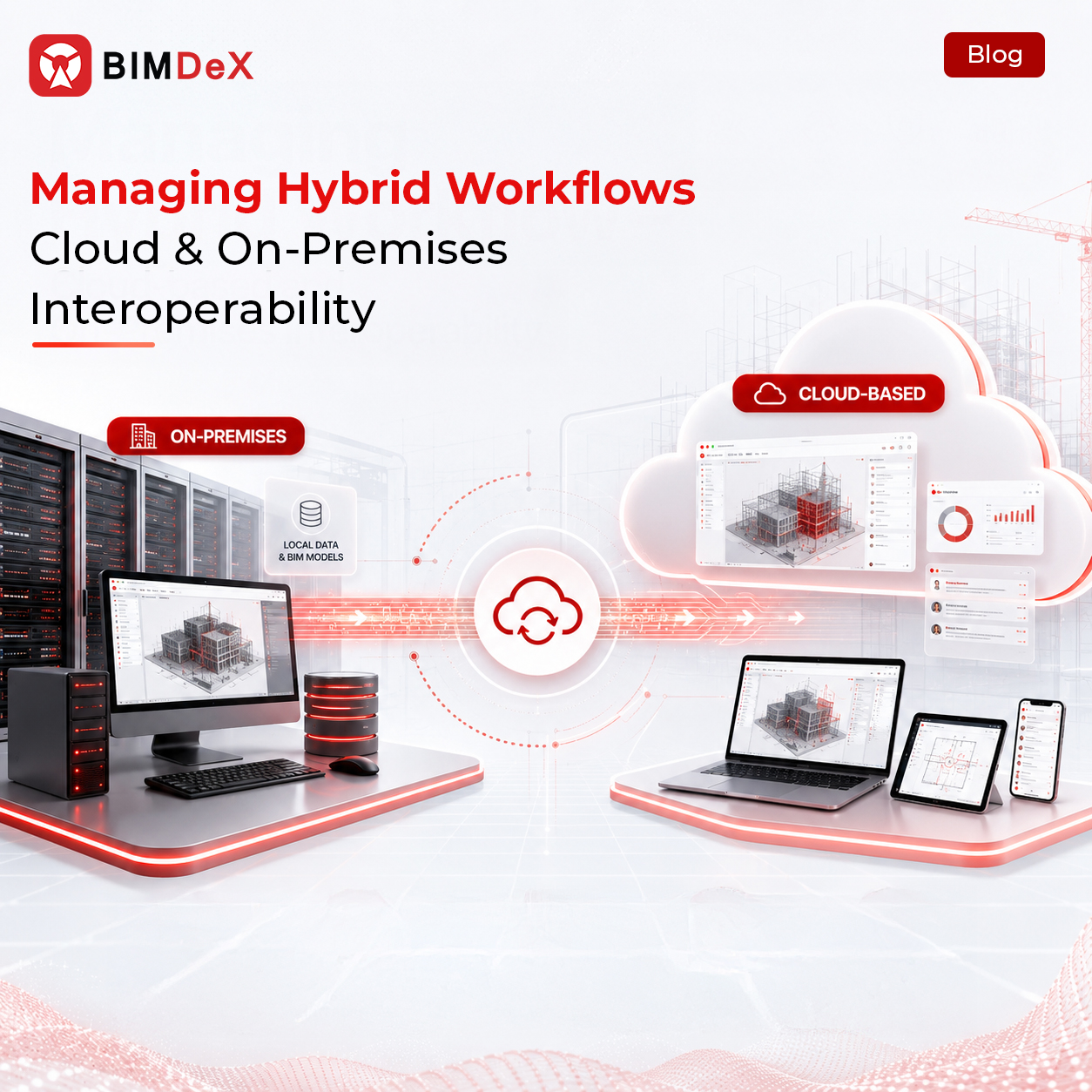
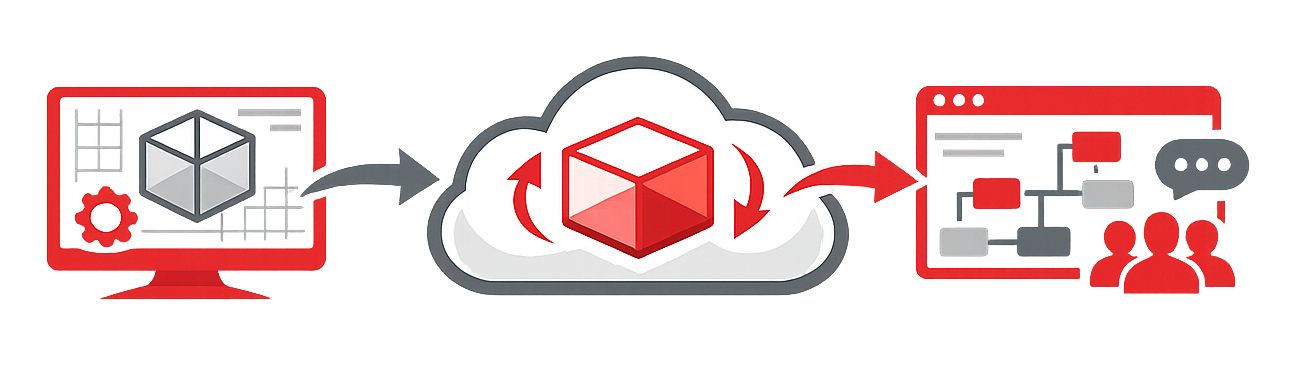
But managing versions, detecting clashes, federating models, and collaborating with the models is quite complicated with the locally installed applications, and that requires a common data environment. Here is where the hybrid workflow is required to transfer the geometry and design heavy model and designs to the cloud spaces like ACC and carry down the collaborative functions with proper version history and user roles. This way allows different project teams to access the models and designs that are data rich and can perform multiple actions as stipulated.
Hybrid workflow – Pipeline
Here is a clear structure about how the hybrid workflow works ensuring ideal interoperability, connecting to dimensions to manage the data and design rich CAD designs from multiple applications.
Author designs
Starting with the design creation process, a designer can create or draft the designs from applications like AutoCAD, SolidWorks, Rhino, and more. The local servers can handle the geometry of heavy models, model detailing, and simulations.
Pre-Process designs
After creating the designs, this is a stage of customization. Designers will simplify the model geometry, clean layers, prepare properties, and exclude heavy components to make the model light if required. This stage, the professionals convert the model format into neutral format like IFC or other file formats for enhanced interoperability.
Interoperability
After converting the model to neutral format to make it compatible with the recipient software and converted into BIM formats like RVT (Revit). Here, the models can be federated for multi-disciplinary collaboration.
Collaborative functions
As an action of hybrid workflow, users from diverse teams will access the integrated models, federated designs and can collaborate for various dimensions. They can access the models simultaneously and detect clashes, track issues with complete control over the versions.
Data repository
Sensitive and confidential project information should be stored in local machines for regulatory purposes, and cloud backups assist in diverse project stages like during disaster recovery.
BIMDeX – A tool for ideal hybrid workflow management
Having spoken about the facts of hybrid workflow management, cloud-based and on-premises interoperability, here is a tool that stands tall as an impeccable solution. BIMDeX is an interoperable model conversion solution that builds a strong bridge for model conversion between diverse CAD and BIM applications.
As an interoperable tool, BIMDeX works as a fine connector to tie up the on-premises tools with the Common data environment, preserving interoperability at both spaces.
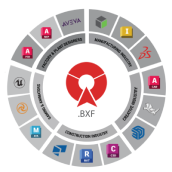
BIMDeX hosts the proprietary BXF file format that eliminates the limitations with neutral formats like IFC and STEP. BXF stands for ideal interoperability between different CAD and BIM solutions, as it allows the users to transfer the design data information from one application to another with all the comprehensive metadata/properties and not just the geometry or the structures.
BIMDeX supports model transfer through exporter and importer plugins which transfers the native CAD file format as a BXF file to the recipient software where the solution extracts the legit information from the sender. SolidWorks to Revit exporter, Plant 3D to Revit exporter, Tekla to Revit exporter are some of the eminent BIMDeX solutions that are equipped with ambitious features that enforce essential interoperability.
In the case of Cloud-based interoperability, BIMDeX paves the way through the transfer of CAD data as a Data Exchange (DX) from diverse applications to Common Data Environment (CDE) of Autodesk Forma.
The DX file conversion allows the users to transfer data like the BXF format workflow into the cloud-space where collaboration, clash detection, and federated model management is more enhanced and structured. Similar to the BXF workflow, BIMDeX streamlines the transfer through the exporter and importer plugins where the users can effortlessly exchange the model and integrate it to the collaborative cloud space without compromising interoperability.
Closing Thoughts
Managing on-premises and cloud-based interoperability opens for extensive project outcomes as design creation and design data management embraces two separate forums. Having a reliable solution to bridge the two forums becomes highly inevitable in this case. With that said, BIMDeX can be the right partner for you to set the project on the right track and effortlessly let the design data surf from on-premises to cloud-space without data and parameter loss.