What is essential for an industry, especially an industry like AEC? While we say there are various important aspects that sustain the industry, one prominent factor is a collaborative approach and the respective process. Since the AEC industries are moving forward with Building Information Modelling (BIM) alliance, preserving credibility and tailoring the BIM workflows is inevitable and offers more extensive approaches.
While BIM tools play as protagonists, the need for an extensive method to manage the workflow reveals more interesting results to embrace. In this blog, let’s embrace the process and the requirements to tailor the BIM workflows with the Custom BIM Work Group Manager.
Work Group Manager – A Brief
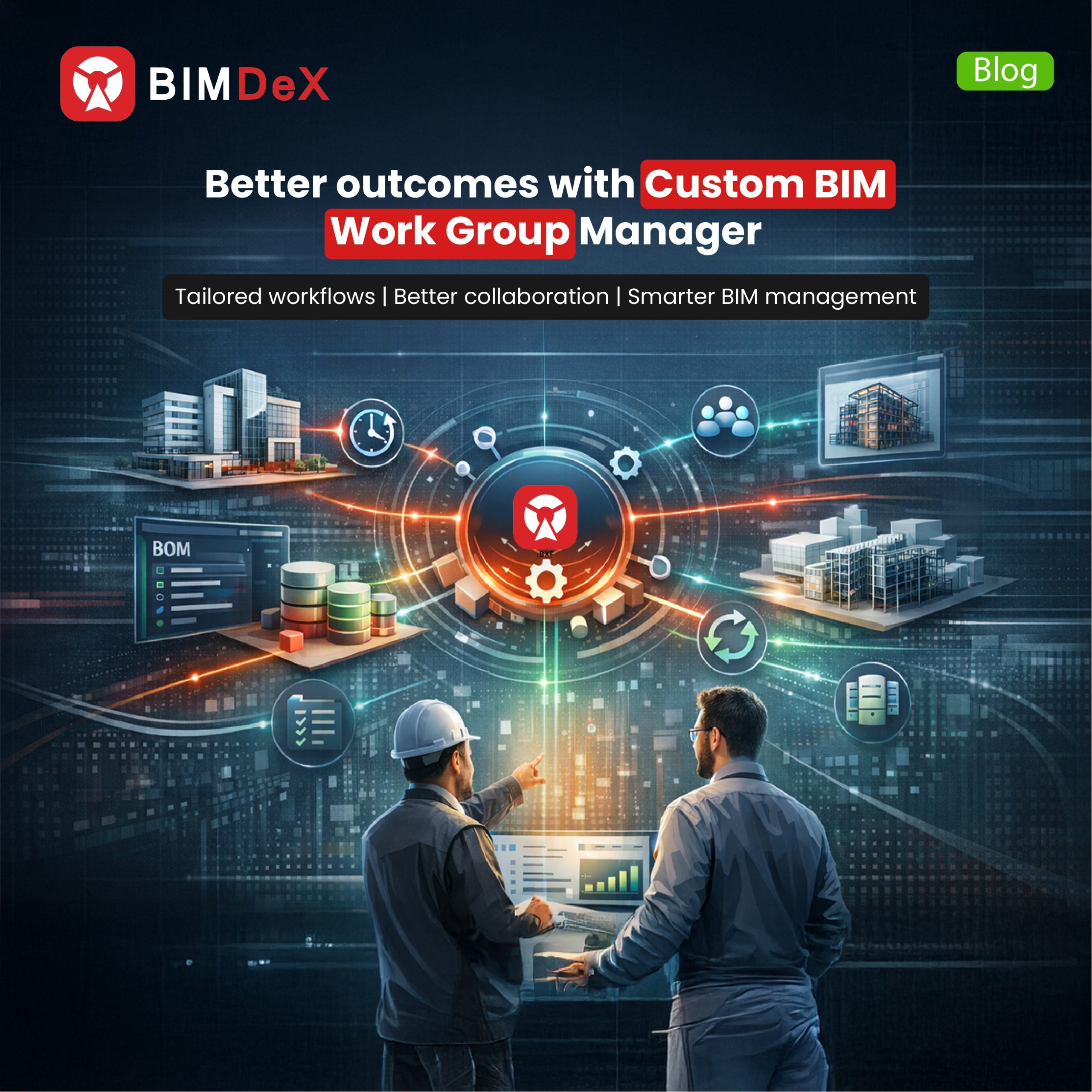
Work Group Manager in BIM is an effective innovation as a plugin to coordinate design models into PTC Windchill for users to manage models, manage permissions, access diverse data, sync files, conduct Project Lifecycle Management (PLM) and much more among the BIM environments.
Work Group Manager (WGM) acts as a connecting point between diverse BIM designs and PTC Windchill. With this plugin users can easily publish the models in the collaborative space of Windchill and conduct various functionalities in a cohesive space and way. It becomes easy to open BIM Designs, understand model components and libraries, generate BOMs and BOQs, perform PDM actions, view models through Creo viewer, and more.
While a Work Group Manager is meant for essential project workflows and design maintenance, a Custom Work Group Manager is what your project requires for enhanced workflow management. This framework will work according to your project requirements, and this unique aspect can let you pull multiple scopes to initiate better BIM workflows for your project.
What is the need to tailor the BIM Workflow?
While it is already said, we thrust it even further. Tailoring the BIM workflow can offer various benefits that streamline the process from designing to delivery to provide comprehensive assistance for the project users. Here we pull out the list of factors that stress the importance of custom BIM workflows.
- Custom WGM workflows can align with specific project requirements
- Better data standards and naming conventions
- Collaborated model exchange and revision control
- QA checks within controlled environment
- Task management and better collaboration.
Features of Custom Work Group Manager
Having said that about the perspectives of custom BIM workflow, here is a custom Work Group Manager to effectively direct the factors. Here are the features of custom WGM for BIM projects, regardless of the respective niche or domain.
Extensive Model Management
Custom Work Group Manager (WGM) propagates enhanced model management as the plugin allows the users to publish models from CAD applications and from Revit, Plant3D, Navisworks and AutoCAD MEP too. From designing to delivering, the models can be effectively managed along with stable revision control and PLM opportunities.
Model Changes and Version Tracking
Model changes are inevitable, and with this custom WGM, it is easy to make changes to the models as per the given permissions and thereby track the versions. The PDM features in WGM assist the users to customize the models through check-in and check-out options and maintain the model versions, and the changes are kept open for the team as anyone can access the model changes and the information.
Create BOMs
Upon uploading the CAD model to the Windchill using the WGM plugin, the model components like reusable library components get dissected as components and listed. Users can easily find the numbers, and it becomes even simpler to generate Bill of Materials.
Creo Viewer Support
With custom WGM users can view models inside Windchill using Creo viewer without the need of the native software. This feature eliminates the hardships for the user to open the parent software to view the models. BIM users can view the model components with the associated information all in one place.
Version or Iteration Control
Once the users publish the model inside the Windchill after changes using check-in/check-out options, the version information gets updated and users can view the data. This can assist the BIM users and designers in order to be informed about the changes and take respective decisions.
Extensive Sync
Since WGM interconnects the BIM models with Windchill it allows the project members and the BIM designers from various applications to sync their data in the comprehensive space where they can easily access the design data and perform various actions without indulging the native software.
Closing Thoughts
Every workflow requires an effective way to manage it, and for the BIM workflow, WGM can be most effective and equipped to leverage the required results. The complexity of the BIM workflow is growing. This has risen to become an inevitable factor for the BIM workflow of diverse construction projects. Relying on generic tools is almost saturated as a custom workgroup manager has almost automated everything and lets you rest while the BIM workflow is effectively managed. Don’t just settle, embrace the custom work group manager and give your BIM workflow the deserved management by connecting the BIM designs with PLM environment.













































 Add Us On Google