Recent trends in the construction and architectural sectors have paved the way for new ideas and innovations that improve project quality and enhance team coordination. One such innovative approach to fueling the process is to connect the workflows of two different project genres: Mechanical and Architectural.
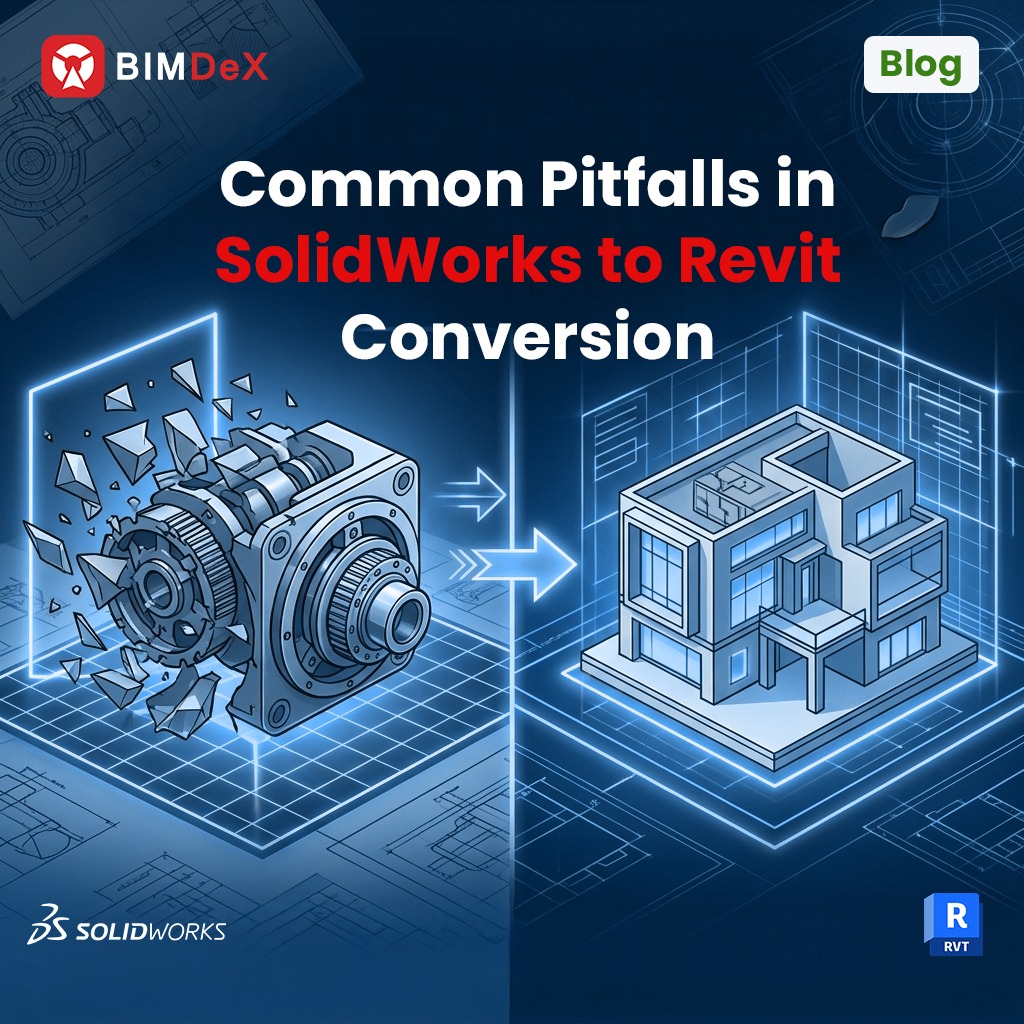
SolidWorks, as outstanding mechanical design software, can link with architectural workflows of Revit and improve the scope of the project, unlike primitive aspects. While it is said to improve the process, there are certain limitations, and we are here to discuss those. In this blog, let us turn the limelight towards the pitfalls in SolidWorks to Revit conversion and the privilege to avoid them with BIMDeX, an impressive interoperable model conversion solution.
Is the SolidWorks to Revit conversion a priority?
It is! SolidWorks to Revit model conversion brings more ideal approaches to deal with projects, as the mechanical designs get transitioned as information from mere geometries. This conversion provokes the translation of the CAD model into the BIM environment, where a user can visualize and generate a federated BIM model with comprehensive information.
This information-heavy approach can potentially enhance the coordination and collaboration between different project teams through CAD-BIM data exchange. Eventually, this can assist in various parts of the projects as the users deal with legitimate information rather than geometrical structures.
Converting the models along with the metadata and geometrical information saves a lot of time and effort for the projects during the implementation phase. Along with this, SolidWorks to Revit model conversion can improve the facility management process, streamline parametric model conversion, and develop a federated model.
Common Pitfalls in SolidWorks to Revit Model Conversion
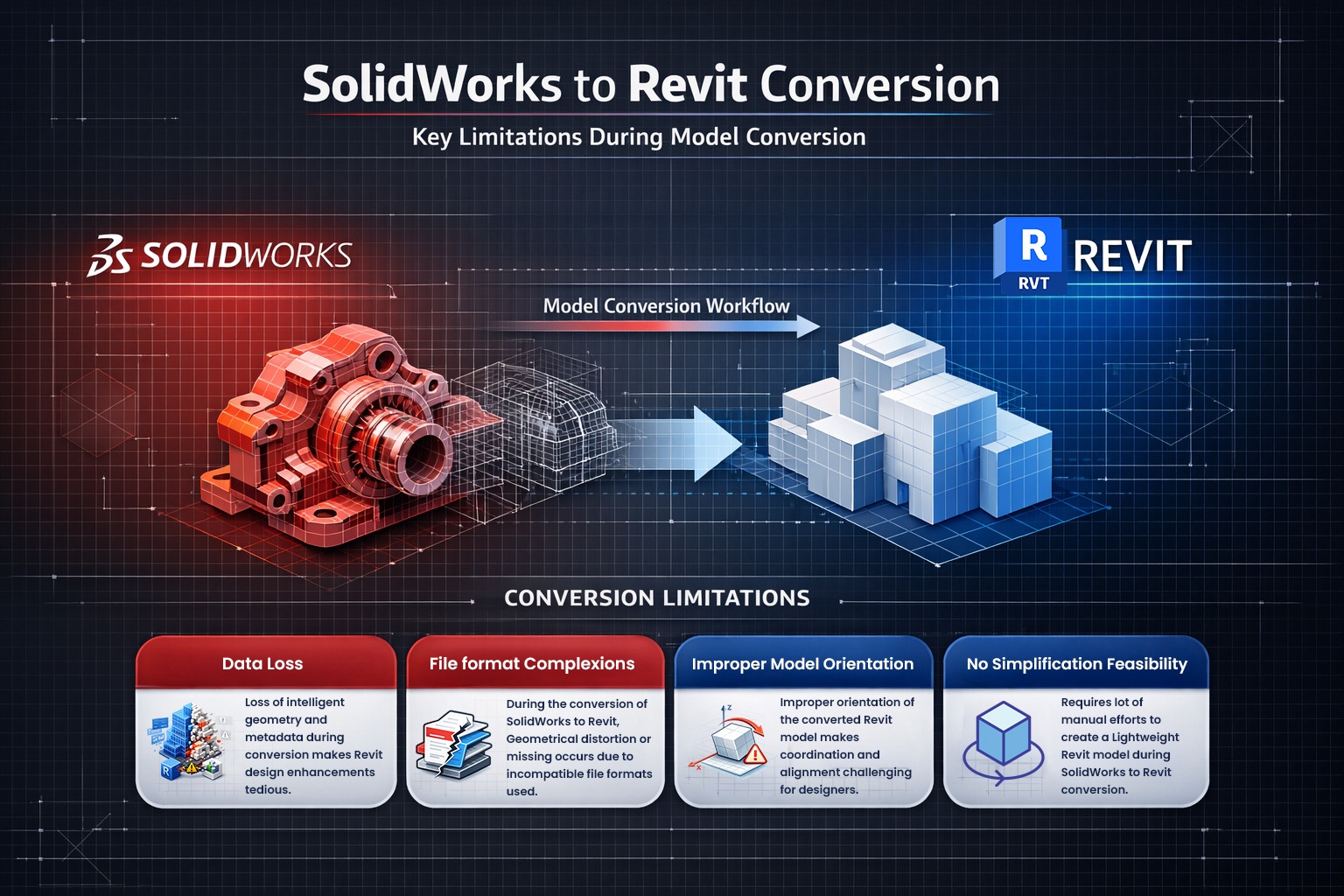
Having said the importance of bridging the manufacturing models with the BIM atmosphere, certain limitations can drag the process and become the project’s pitfalls. When SolidWorks models are ready to be exported to Revit through mediums, there are multiple chances of distorted models being translated to Revit. Here are certain potential pitfalls that should be addressed to streamline the process to break the primitive challenges.
The first and foremost factor that retards the process is the file format difference. SolidWorks is a CAD software with the formats .sldpart and .sldasm (SolidWorks Parts and Assemblies), whereas Revit has the formats .rvt and .rfa (Revit project files and families). The logic behind this is simple; no different file format can collaborate perfectly and yield better results.
IFC, STEP, and SAT file formats are widely used for file translations from SolidWorks to Revit, but they have certain limitations that disturb the model transfer. Through these types of file transfers there are more chances for parametric data loss, increased file sizes for complex geometries, unstable metadata transfer, geometrical inaccuracies, loss of design intent and slow model transfer rate.
This difference will affect the model quality and leads to data distortion. The geometry will collapse in some cases, leaving the original metadata behind. With this type of conversion, the BIM designer cannot obtain real and ideal information from SolidWorks.
Improper Model Orientation
Another major pitfall that needs to be addressed is improper model orientation during the SolidWorks to Revit conversion. In the case of SolidWorks to Revit model translation, the issue rises as SolidWorks is a Y-Up software, and Revit is a Z-up software. This difference can result in model rotation or misalignment when the SolidWorks model is transferred to Revit. The mechanical components of SolidWorks may not fit right in the BIM environment of Revit.
When the model orientation is not captured and mediated to Revit, it affects the subsequent process, and that includes the visualisation and implementation phase. Differences in angles, model positions, and alignments will result in reduced precision and costly reworks.
Inability to simplify the model
Since SolidWorks is more predominant among the manufacturing sectors, it is inevitable that the model has to be submerged with heavy metals and sometimes tiny bolts, screws, and other components. When the model has to be exported to Revit, the heavy structures or the tiny components may not be required at certain times, requiring only the model skeleton for representation and coordination purposes.
A proper conversion method without simplification will be tiresome, as the user has to transfer the whole model with unnecessary components and associated information, making it a huge Revit model. This reduce the software performance, consume more time, and eventually, it cannot be a precise model conversion.
Loss of Parametric Data
Missing out on parametric information is actually a major drawback when it comes to model conversion from SolidWorks to Revit. The data-rich manufacturing model should reach the BIM interface with all the comprehensive information and the user-customised detail. This is essential for the whole process of BIM design and project implementation.
The manufacturing detail in the SolidWorks model should be mapped accurately to Revit for the user to trace the information. Moreover, the parametric data conversion can assist the user to make any changes to the model or enhance the design in Revit as per the project requirement; but to make the changes, the transferred model data must be ideal.
Avoiding the common pitfalls with BIMDeX
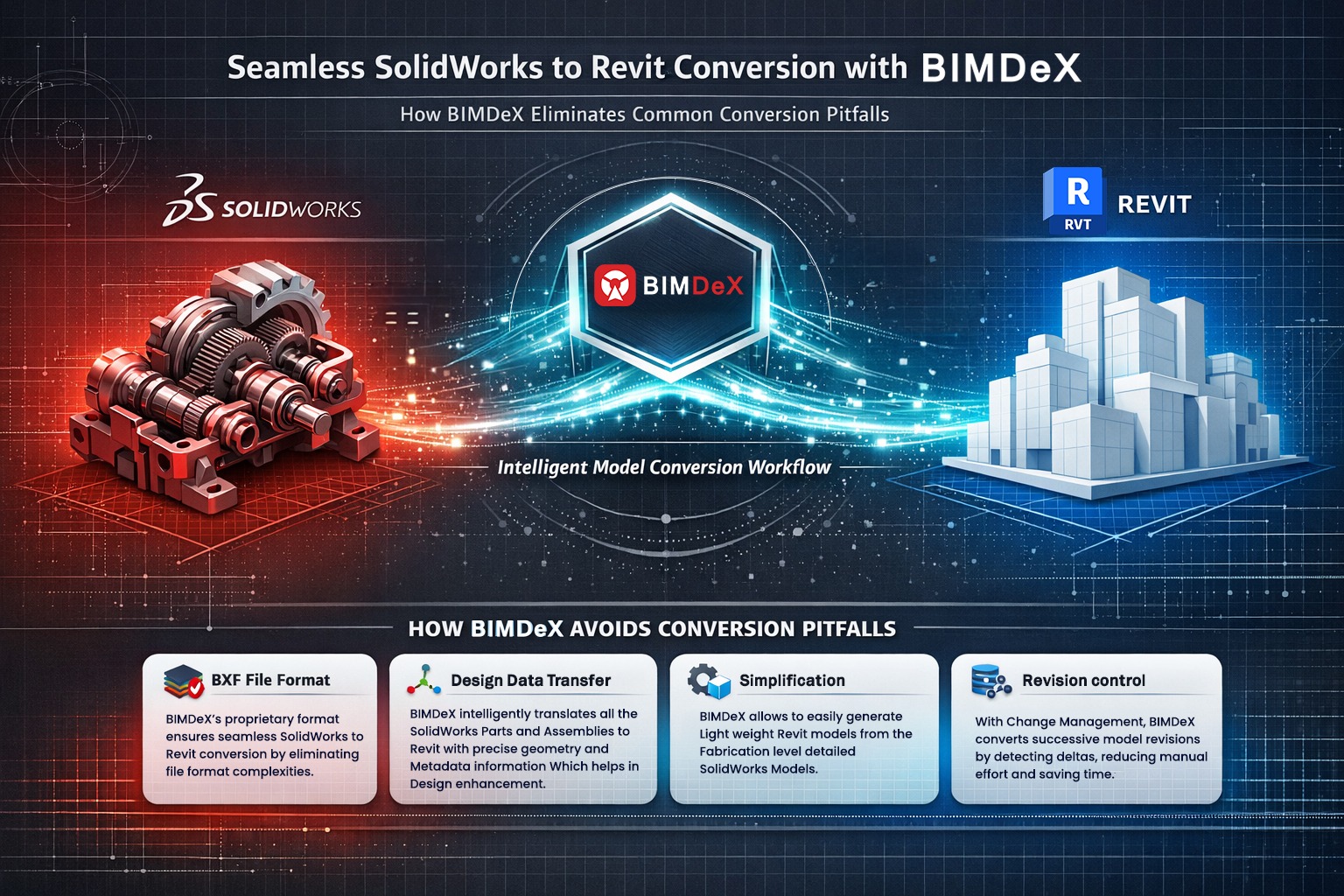
The opportunities that the AEC industry embraces with a proper SolidWorks to Revit model conversion are vast and diversely important; however, the intensity of the fortunes can be enhanced with a proper conversion solution or a tool with intelligence and eminence. BIMDeX is one such interoperable tool to streamline and smooth yet effective conversion from SolidWorks to Revit.
This feature-rich model conversion solution offers a series of opportunities for professionals to activate the desired model conversion as the tool supports customisation at every stage.
Why BIMDeX?
This interoperable model conversion solution bridges SolidWorks with Revit effortlessly and streamlines the conversion of complex geometries to native Revit families and projects. BIMDeX promotes SolidWorks Revit interoperability and allows users to make use of the model data and associated information from SolidWorks in Revit and develop a data-structured BIM model.
The application provides a series of features to avoid the common pitfalls that are addressed above, which include a proper proprietary file format, ‘BXF.’ This native file format of the solution can deplete the hindrances prevailing with incompatible file formats during SolidWorks to Revit conversion. The application can accurately capture the metadata of the mechanical design, and the user can easily map them in Revit with all the associated data, like component properties. Automatic categorisation is another advantage with BIMDeX, as the application itself categorises the SolidWorks components to the respective Revit categories and allows for manual categorisation for users if required.
Coordinate-based transfer is another perk with the interoperable application, as it reads the coordinates and transfers them accurately to Revit to make sure there is no deviation in alignment and component placement. Along with this, BIMDeX simplifies the SolidWorks model as per the requirement, and this can allow the users to transfer only the required components or just the structures rather than the whole model.
Closing Thoughts
A streamlined SolidWorks to Revit model conversion can assist the users in various stages of the project, as they can work with ideal information rather than mere assumptions. BIMDeX can be the right solution for this, as it assists in avoiding the pitfalls that a user might face during SolidWorks to Revit conversion. Apart from assisting in driving through pitfalls, the plugin-based model conversion solution will amuse you at every stage of the conversion. Get in touch with BIMDeX to engulf all the eminence.
















































 Add Us On Google